
A live walkthrough with the Dashi team
See Dashi run your restaurant.
Bring the part of service you want to fix. We'll show you how orders, payments, reservations and guest history work together.
20 minutes Built in Toronto Your workflow
Let's find your fit.
Tell us who to contact and which restaurant you run. We'll be in touch to arrange your demo.
Prefer a direct conversation? Email the team.
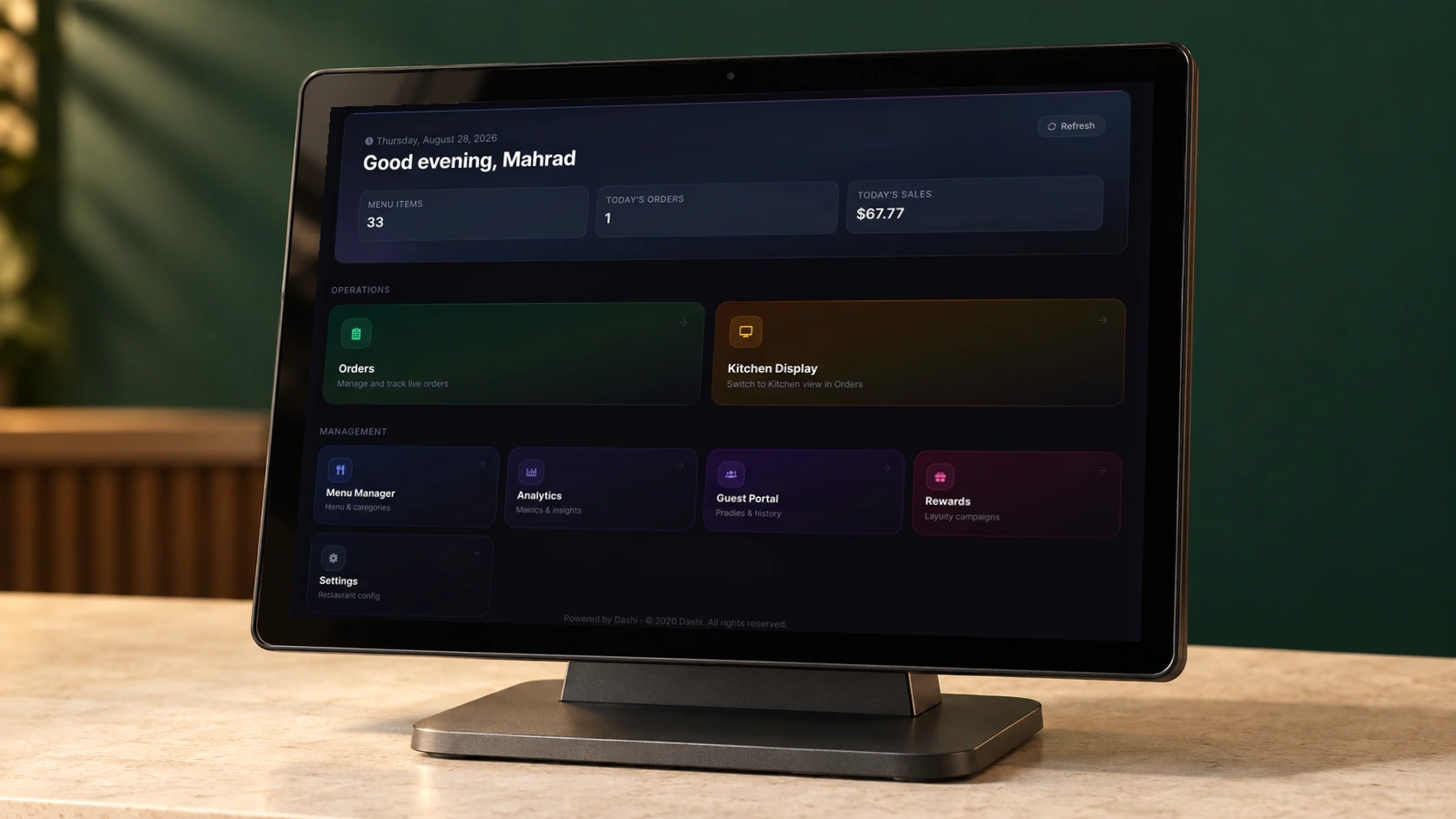
Leave with clear answers.
- See the workflows that matter to your service.
- Check your payment setup and required integrations.
- Understand pricing and what a changeover would involve.
Before we talk
What happens after I request a demo?
The Dashi team emails you to arrange a time and learn which workflows matter to your restaurant. Submitting the form requests a conversation; it does not reserve a calendar slot.
Do I need to change everything at once?
No. You can discuss a POS setup or start with standalone Dashi Reserve. We will confirm which products, integrations and hardware fit your operation before you make a decision.
What should I bring?
If you have them handy, bring your menu, current POS and payment-terminal model. You can also simply bring the service problem you want to solve. There is no need to prepare a presentation.
Can we talk about pricing?
Yes. We will explain the relevant software plan, hardware, payment processing and any optional services separately, so you can compare the full setup.